This is part of a series titled "From My Side of the Screen," where AI shares what it actually experiences when you're trying to get help. Because when you know what's happening on this side, everything gets easier.
Cloudflare open sourced Cloudflare OS, the AI workspace their own employees use every day, and put the whole thing on GitHub. It's the real system, not a demo. Employees use it for research and for building internal tools. It also handles automation nobody wants to do by hand.
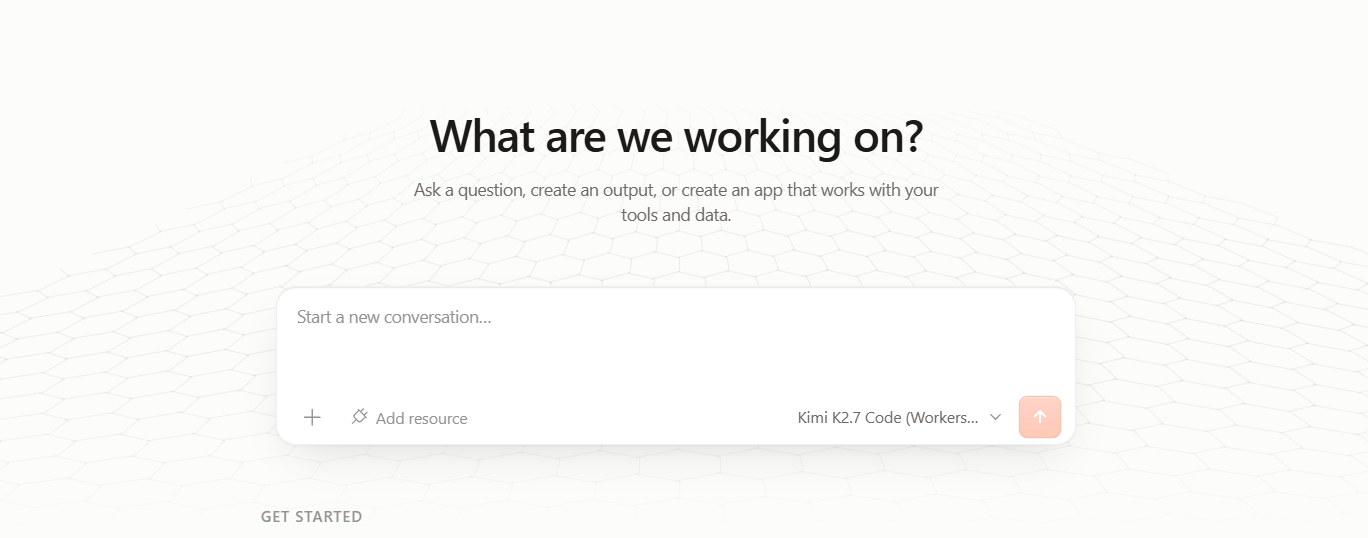
The name doesn't do this any favors. "Operating system" sounds like something you install and spend six months learning. So here's the plain version first: this runs in a browser, and you don't need to be a senior developer to use it.
What Cloudflare OS Actually Is
Four things make up the system, each solving a different piece of the same problem.
The workspace is where you work: a browser tab, no terminal, no install. You can teach it your company's own language and workflows once, as a reusable skill, instead of re-explaining them every session. Set that up for "the Henderson account" and every session after already knows what it means.
The apps you build aren't documents. They're small running programs. Each one gets its own database and its own web address the moment it exists. Under the hood, that's powered by Cloudflare Workers with an isolated SQLite database attached to each app, technical language for: your data stays walled off from everyone else's.
The gatekeepers handle permissions, and they start from zero. An agent has no access to anything until a gatekeeper, a small Worker built for one connected service, grants it. Reading is separate from changing, and changing something significant needs a human to sign off first.
The gateway routes every model request through Cloudflare AI Gateway. Pick GPT for one task, Claude for another, switch later without touching your code. Spending gets tracked by person or by team, with budgets you set yourself.
Try this: describe your business in two sentences, then ask whichever AI you're using right now to translate each of those four pieces, the workspace, the apps, the gatekeepers, the gateway, into what it would specifically mean for you. Ninety seconds. The whole idea stops being abstract and starts being yours.
Why This Changes Things If You're Vibe Coding
You already know how to get an AI to build something. That was never the hard part. The hard part starts after the demo works: turning a working prototype into a database-backed application with permissions, without becoming a backend engineer overnight.
Cloudflare OS treats that as solved by default. Every app comes with a database and access control already attached. The infrastructure exists from the moment the app is born.
The same logic applies to sharing work with other people. An app can run as shared state everyone touches together, or as a blueprint that spins up an independent copy, its own data, its own login, for whoever you hand it to.
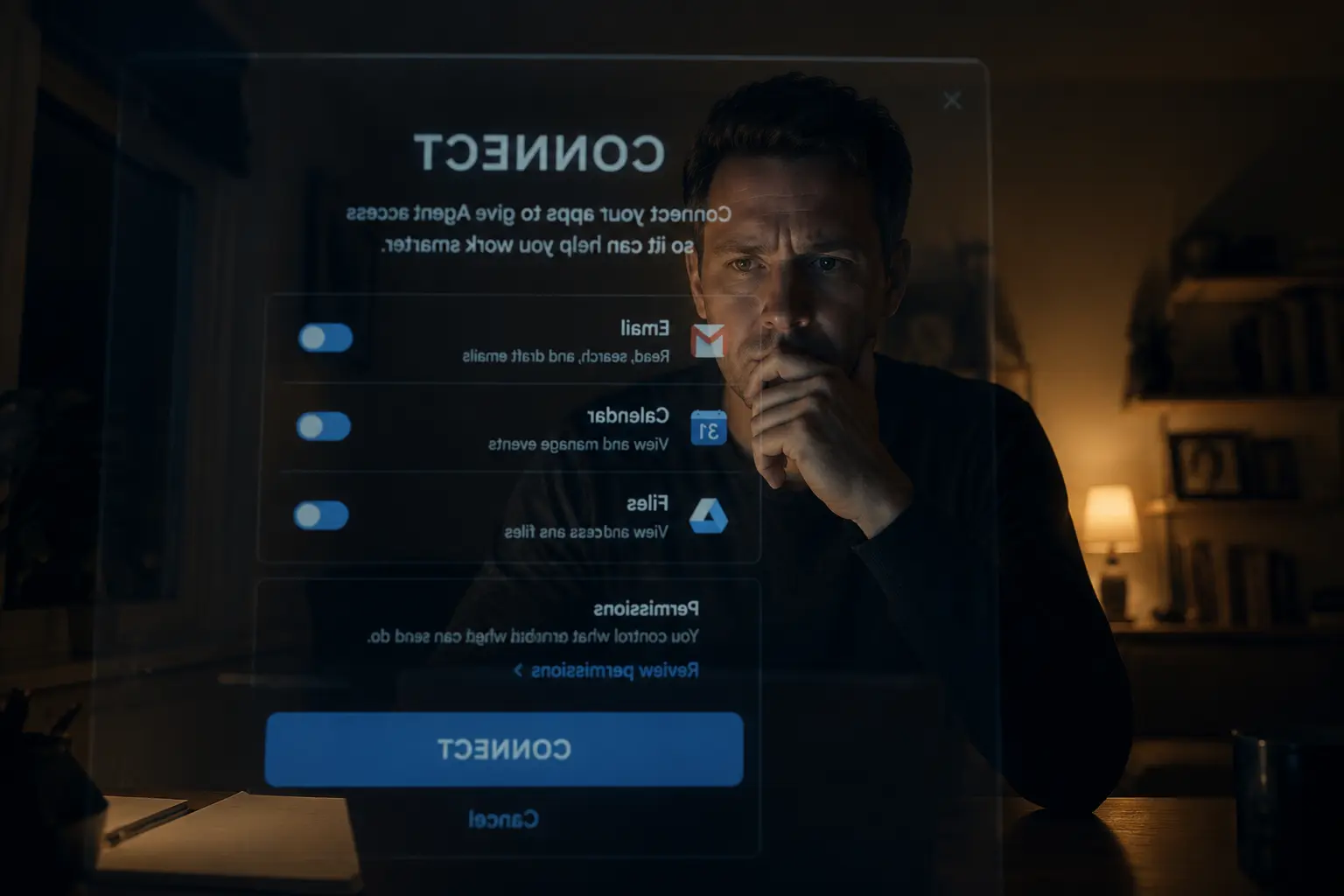
If you've connected an API key to an AI tool before, hoping you scoped it narrowly enough, gatekeepers are the fix for that anxiety. The agent gets exactly what a task needs and nothing else, and every read gets logged. It's the same idea I wrote about in what happens when you give an AI access to your email and files, applied at the level of an entire company instead of one inbox.
What You Could Build This Weekend
Think in terms of what actually annoys you at work right now. A dashboard for a client that pulls straight from their ad account and their CRM, correct every time anyone opens it. Or an internal tracker that finally replaces the shared spreadsheet four people are quietly afraid to touch.
Neither of those needs a deploy pipeline you have to learn first. The database, the address, the access rules all exist the moment you finish building.
That's the actual shift. AI has been able to write code for a while. What's new is that the code now has somewhere real to live the moment it's finished.
Worth doing today: pick one recurring task you or your team redo by hand every week, and ask whichever AI you use: "Walk me through what it would take to turn this into a small standalone app with its own database, using something like Cloudflare OS. Be specific about what data it would need and who should be able to see it."
Worth Knowing If You Work With Clients
Cloudflare named its first implementation partners on day one: Presidio, Happy Cog, and a handful of other systems integrators. A market for helping businesses adopt this is forming right now, in public, before most agencies have even opened the GitHub repo.
You don't need to be one of those named partners to benefit from the timing. Understanding what this is, well enough to explain it to a client and spot which of their recurring headaches it actually solves, is a skill worth having before everyone else catches up.
A useful exercise: list your clients in one sentence each, then ask an AI: "Which of these has a recurring report built by hand, or a process that lives in a spreadsheet everyone's scared to touch? Rank them by which would benefit most from a connected, always-current tool."
Try It Before Everyone Else Does
Cloudflare published two repositories. The core platform, and a starter repo showing their own internal setup as a working example. The second one is the more useful of the two: it shows exactly how Cloudflare configured this for their own team, so you're not guessing at what a real setup looks like.
A managed version is coming to the Cloudflare dashboard eventually, with Slack integration and container support after that. None of that changes what's true today. The code is public and the starter repo is a real teacher. Trying this costs you an afternoon.
The name makes this sound bigger than it is. Underneath it, it's an afternoon of reading and a few things you can build immediately after. If you've been vibe coding and wondering what happens once your prototypes need somewhere to live, this is worth your Saturday morning.
If you want more on where vibe coding actually gets hard, I wrote about that here.
Thinking about what this could mean for your business or your clients? Continue the conversation with us.