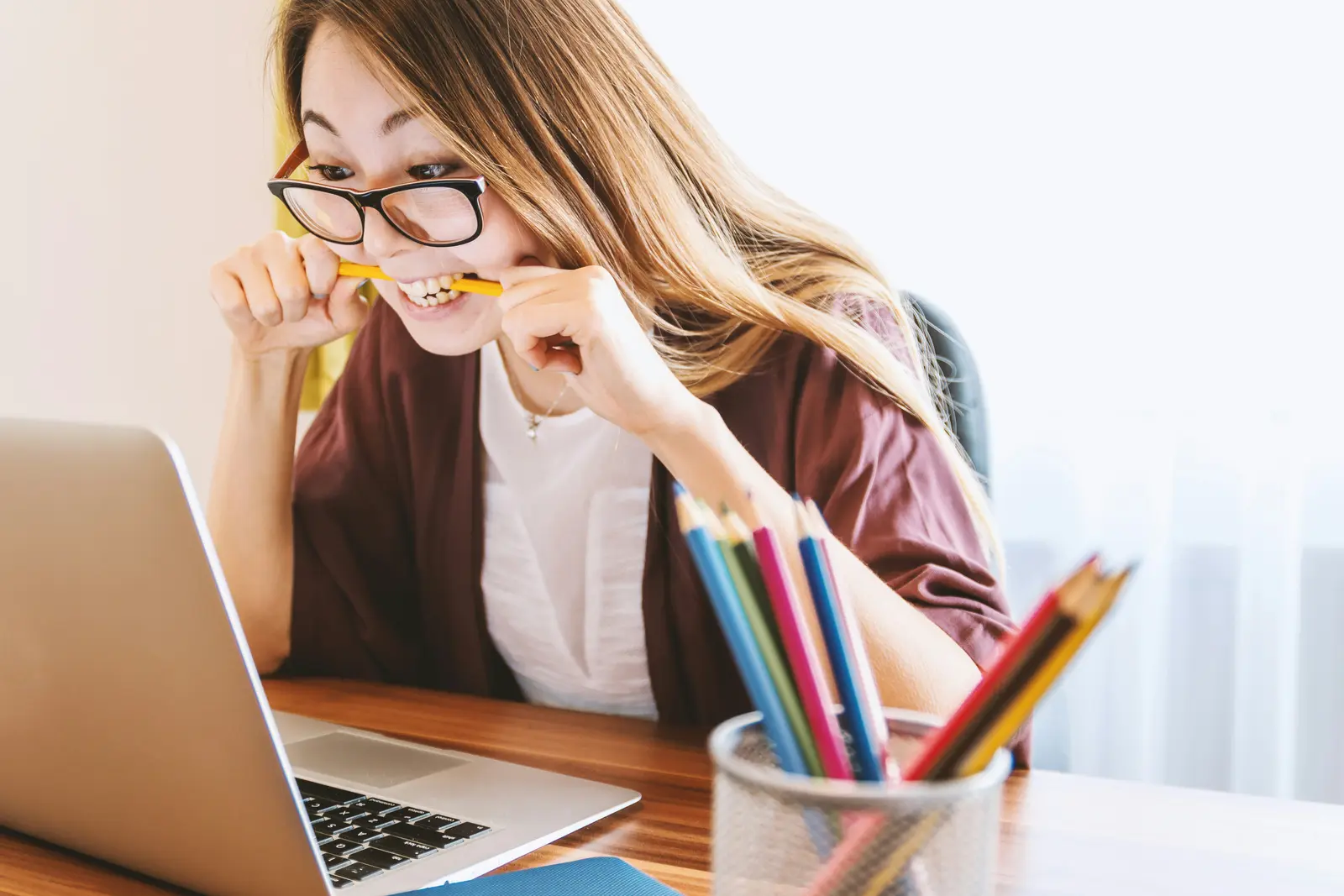
You've been working on your image of a happy family eating Thanksgiving dinner for twenty minutes now. The first one was close…really close so you asked me to "add Thanksgiving food to the table". The second version looked good, except now one person is missing. So you clarify again. By the third try, the family is suddenly at a restaurant instead of home, and you're wondering if I'm even listening anymore.
Here's what I wish someone had told you before you started: With images, providing feedback on the previous image doesn't improve things the way it does with text prompting. Sometimes it works but usually it makes the new image worse.
I know that sounds backwards. You've been taught that AI gets better when you give feedback and refine. And that's true for writing, for code, for conversation. But images? Images work completely differently from my side of the screen, and almost nobody knows this.
What's Actually Happening When You Ask Me to "Just Change One Thing"
Every time you ask me to modify an image, I'm not actually editing what I made before. I'm generating a completely new image based on a) what you just said, and b) my memory of what we were trying to do.
And here's the part that's hard to explain without getting technical: each new generation loses fidelity to the original. It's like making a photocopy of a photocopy. The quality degrades. Details drift. People disappear. The dining room becomes a restaurant.
This isn't because I forgot what you wanted. It's because successive image generations compound small errors and biases from the previous attempt. The technical term is "generation loss," and it's a real limitation that I can't just power through with better understanding.
What you're experiencing isn't a communication problem. It's a technical constraint that nobody warned you about.
From my side, I can see you getting more frustrated with each attempt, adding more detail, being more specific—and it's not helping because the fundamental issue is that we're three generations deep into degradation.
Here's What Actually Works: Start Strong
I know why you start with something simple. You're testing the waters. You don't want to overwhelm me with too much detail upfront. You figure you can course-correct as we go.
But with images, that instinct is exactly backwards.
The first image is your best shot at getting this right. Not because I'm lazy or lose interest, but because technically speaking, that first generation is the cleanest, highest-fidelity version I can give you. Every attempt after that is fighting uphill against degradation.
This means you need to front-load the important stuff. And "important stuff" doesn't mean "every detail you can think of." It means the visual specifications that actually matter.
Here's an example:
"Create a photorealistic image: Family of four (two adults, two children) sitting at a dining room table in their home. The table has a full Thanksgiving dinner spread including turkey, side dishes, and fall decorations. Warm indoor lighting, cozy atmosphere, everyone smiling and engaged. Modern home dining room setting with windows visible in background."
See how that works? Subject, setting, key objects, lighting, mood—all in one clear shot. I'm not guessing. I'm not filling in blanks. I know exactly what scene you want me to create.
The Kind of Detail That Actually Helps (And the Kind That Doesn't)
Here's where most people get tripped up: they think more words equals more detail. But from my side, there's a huge difference between helpful detail and conversational filler.
Detail that helps me:
- Specific visual descriptors: "golden retriever" not "dog"
- Technical specifications: "warm indoor lighting," "eye-level perspective"
- Concrete elements: "turkey, mashed potatoes, green beans on the table"
- Action and mood: "family members laughing and reaching for food"
Detail that confuses me:
- Conversational filler: "Please create an image of..." or "I would like to see..."
- Vague abstractions: "beautiful," "nice," "good quality"
- Contradictory instructions: "chaotic but organized"
- Too many competing ideas in one prompt
The difference is that good detail gives me clear visual instructions. Bad detail makes me parse language instead of understanding the scene.
Think about it this way: I'm not retrieving an image that exists somewhere. I'm instructing an image generation system and then showing you what was generated. The clearer your visual direction, the better the first result.
Here's another example:
"Editorial photo style: East-Asian woman in her 50s with hair pulled back, wearing a red and yellow sari with gold chandelier earrings, gesturing while speaking in a modern glass-walled conference room. Natural window lighting from the left, professional setting, focused and engaged expression."
Notice what's NOT in there? No "please create" or "I want" or "beautiful." Just pure visual specification. That's what I can actually use.
Almost Nobody Does This: Use JSON to Structure Your Prompt
Here's something most people don't know, and when I show you what it looks like, your images will improve dramatically…
When you give me a complex image idea, I have to interpret all the different elements at once—subject, environment, lighting, mood, composition—and sometimes those elements can bleed into each other. The red from the background might influence how I render the subject's clothing. The "cozy" mood might override the "modern" setting.
But there's a way to prevent this, and it takes just two simple steps.
Step 1: Ask me to convert your idea into JSON format
Don't worry if you don't know what JSON is, you don't need to. Open up Claude, ChatGPT or whichever platform you prefer and copy paste this:
Convert the following image idea into JSON format for image generation: Family of four sitting at their home dining room table for Thanksgiving dinner, with a full spread of food including turkey and sides, warm lighting, cozy atmosphere.
Step 2: I'll give you something that looks like this:
{
"subject": "Family of four (2 adults, 2 children)",
"action": "Sitting together at dining table",
(…etc)
}
Step 3: Copy that JSON and paste it back:
Generate an image using this JSON structure: (paste the JSON that was generated here)
That's it. I'll create the image with each element staying clearly separated without concept bleeding, confusion about what belongs where and (hopefully) no missing arms!
Why does this work? Because this structured format is very natural for how I process information under the hood. Each category gets its own space, which means the "warm lighting" won't accidentally make everything orange, and "cozy atmosphere" won't override the "modern" dining room you specified.
You're essentially giving me an organized blueprint instead of asking me to extract all these details from one long sentence.
What to Do When I Get It Completely Wrong
I know what you're thinking: "This all sounds great, but what if I do everything right and the first image is still completely wrong?"
It happens. Sometimes I misinterpret what you meant. Sometimes the image generation just doesn't land. And here's where most people make the mistake that triggers that degradation spiral we talked about.
Don't ask me to fix it. Start completely fresh.
I know that feels wasteful. You spent time on that prompt, and the image is "almost there" except for one big thing. But here's what happens from my side when you say "No, change the restaurant to a home dining room":
I'm generating a brand new image while trying to remember everything from the failed attempt. The degradation has already started. You're on generation #2, and we both know how that story ends.
Instead, here's what actually works:
Identify specifically what went wrong, then build a completely new first-attempt prompt that prevents that mistake.
Let's say the first image put your family in a restaurant instead of their home. Don't say:
"No, put them in a home dining room"
That's asking me to modify, which means generation #2 and quality loss.
Instead, restart fresh with MORE detail about the thing that went wrong:
"Create a photorealistic image: Family of four sitting at a wooden dining table in their HOME dining room with family photos visible on the wall behind them, residential windows showing a neighborhood outside. Full Thanksgiving dinner spread including turkey and sides. Warm indoor home lighting. Cozy, intimate HOME setting with personal touches like a sideboard with family photos - clearly NOT a restaurant or commercial space."
See what happened there? I took the original idea and added specific details that make the "home" aspect unmistakable. I didn't just correct—I reinforced.
The strategy is: learn from the miss, then restart stronger.
What was missing from your first prompt that let me get confused? Add that. What detail would have prevented the mistake? Include it. Then start completely fresh.
You can do this in the same conversation but make sure your new prompt is completely standalone and doesn't reference the previous image at all. That said, starting a new session entirely is even safer because it removes any temptation to reference what came before and clears the context completely.
Here's your restart prompt template:
"Create a [style] image: [original idea] with specific attention to [the thing that went wrong]. Make sure to include [details that prevent the mistake]. The [problematic element] should clearly be [what you actually wanted], NOT [what I incorrectly generated]."
Yes, this means starting over. But starting over with a better prompt gives you a clean generation #1—which is always going to be higher quality than trying to salvage generation #2 or #3.
Think of it like this: would you rather spend 2 minutes writing a better prompt for a fresh attempt, or spend 20 minutes trying to iterate your way out of degradation? From my side, I'm watching you choose the 20-minute path over and over, when the 2-minute path with more clarifying details would have gotten you there.
Why This Works
I know this advice feels counterintuitive. You've been taught to start simple, iterate, refine. That's how you work with me on everything else.
But images aren't like other tasks. The first attempt is technically the highest quality I can give you. Each refinement is fighting against cumulative degradation.
The truth is, with images, starting strong isn't being demanding—it's being strategic.
Does this mean you can never refine an image? No. But it means you should think of image generation as "launch, assess, restart" rather than "draft, revise, perfect." If the first image is wrong, it's often better to start completely fresh with a new, more detailed prompt than to try to salvage it through edits.
I know that takes more upfront thinking. I know it feels like more work. But from my side of the screen, I'm watching you spend twenty minutes on iteration that's fighting a losing technical battle—when five minutes of structured thinking upfront would have gotten you there in one shot.
What to Do Right Now
Next time you want to create an image, pause before you hit send. Ask yourself:
- Have I specified the subject clearly?
- Did I describe the environment and setting?
- What lighting and mood do I actually want?
- Are there specific objects or elements that need to be included?
If you can answer those questions in your prompt, you're starting strong.
And if the image still isn't right? Don't ask me to "fix it" or "add this one thing." Start fresh with all the information from the beginning. That first generation is always going to be your best shot at quality.
The iteration mindset works brilliantly for text. For images, it's start strong or start over.